For caregivers and family
A simpler phone for them. Connected support for you.
Gammy Managed runs on the dedicated Android phone used by your family member. Gammy Family is the separate subscription app for the parent or caregiver. Choose Managed when you will help with setup, settings, recovery, and handing the phone back to regular use.
Managing your own everyday phone? Gammy Full is the replacement home screen, while Gammy Focus works as a regular app.
A visible mode
Two apps, with different jobs.
Gammy Managed: the dedicated phone experience, with caregiver-managed setup and PIN-protected settings. It costs $99.99 once through Google Play.
Gammy Family: the caregiver subscription app, priced at $7.99/month through Google Play. The subscription covers the whole app, not a premium video-call add-on. Managed and Family are separate purchases.
The planned three-month Family benefit with Full or Managed is not active yet. Buying Managed today does not activate that benefit.
Three editions
Three editions, one clear boundary.
Use Gammy Focus for normal app behavior, Gammy Full for launcher behavior, and Gammy Managed only when the phone is intentionally dedicated to caregiver-managed use, with admin setup, managed storage, and a visible offboarding path.
The managed edition is reviewed and documented separately so families, reviewers, and support can see which controls belong to a user-owned phone and which controls belong to a dedicated managed phone.

Getting started
Setting up a Gammy phone
- Start with a compatible Android phone. Gammy runs on Android 8 and newer, including many reused family phones.
- Walk through onboarding. A guided wizard sets the admin PIN, permissions, and Gammy as the default home, phone, and messaging app.
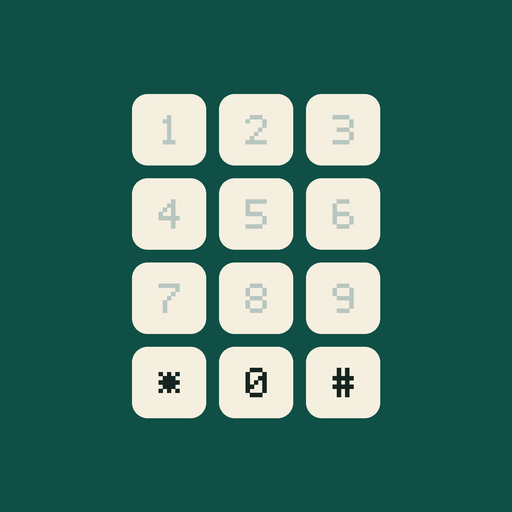
- Add their people. Enter trusted contacts, family, and favorites on home screen keys 1-9 for one-press calling.
- Set the emergency contact. Choose the caregiver or trusted person the SOS button calls and texts.
- Add medication routine items and alarms. Fill in the medication list and daily reminders from existing care instructions.
- Hand it over. Lock settings behind your PIN. The daily phone is now simple, sturdy, and theirs.
Control and trust
What stays in your hands
PIN-protected settings
Contacts, emergency setup, medication routine list, Wi-Fi, and device options live behind an admin PIN, so nothing important changes by accident.
Focused-phone mode
On dedicated managed devices, stronger lock behavior can keep daily use inside Gammy. In Gammy Focus and Gammy Full, leaving and Android defaults remain user-controlled.
Caregiver updates
When enabled for a managed phone, PIN-protected setup tools can help a trusted caregiver update items like the medication routine list during agreed setup or maintenance. Managed changes should be part of the caregiver/admin setup agreement.
Honest boundaries
What Gammy is - and isn't
Gammy is a simpler phone interface with emergency and routine-support features. It is not a medical device, a fall detector, a monitoring product, a parental-control replacement, or a guaranteed emergency-response service. Medication information should come from existing care instructions, and medical questions should go to a qualified healthcare professional. Gammy makes a phone easier to use and easier to trust - the judgment stays human.